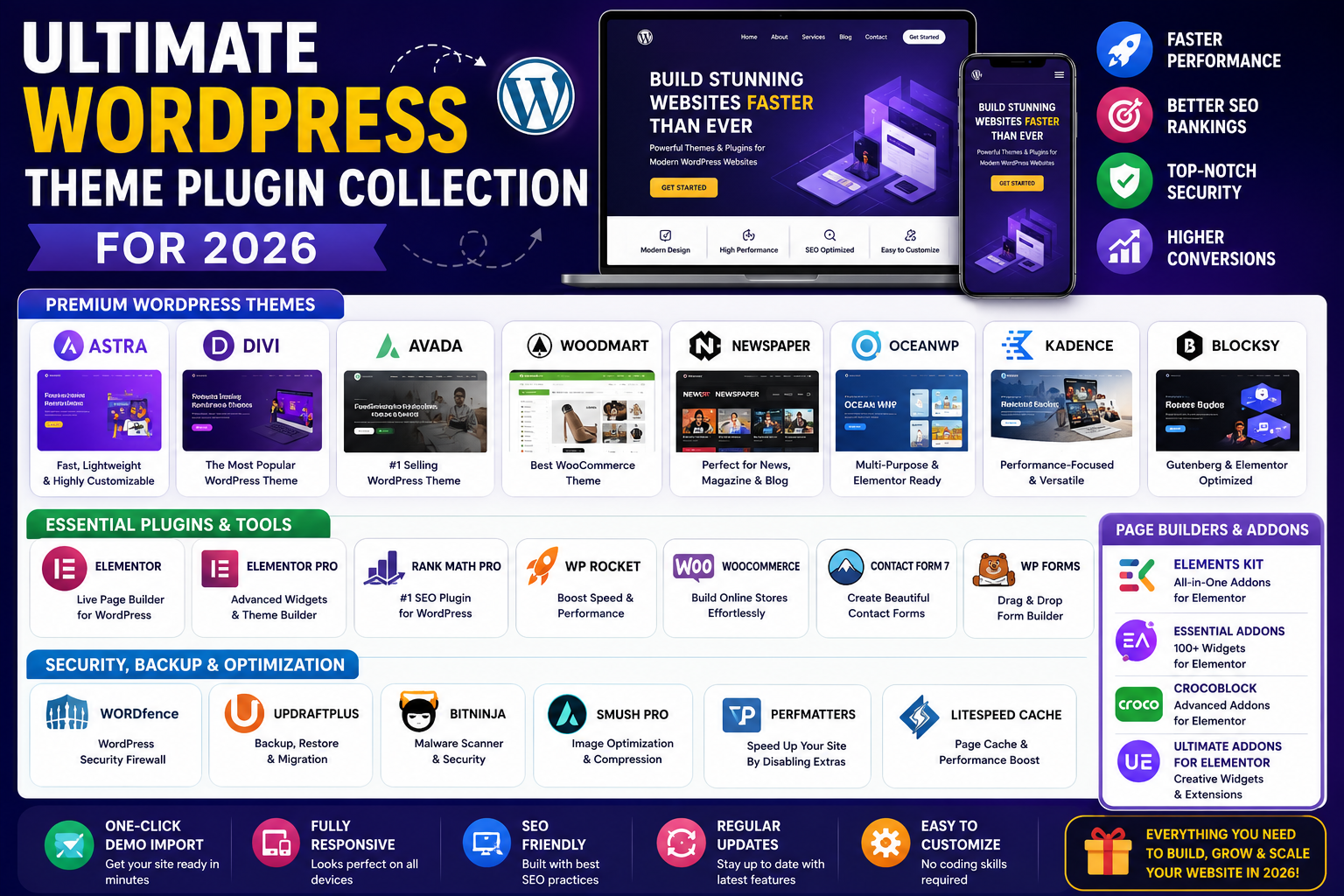
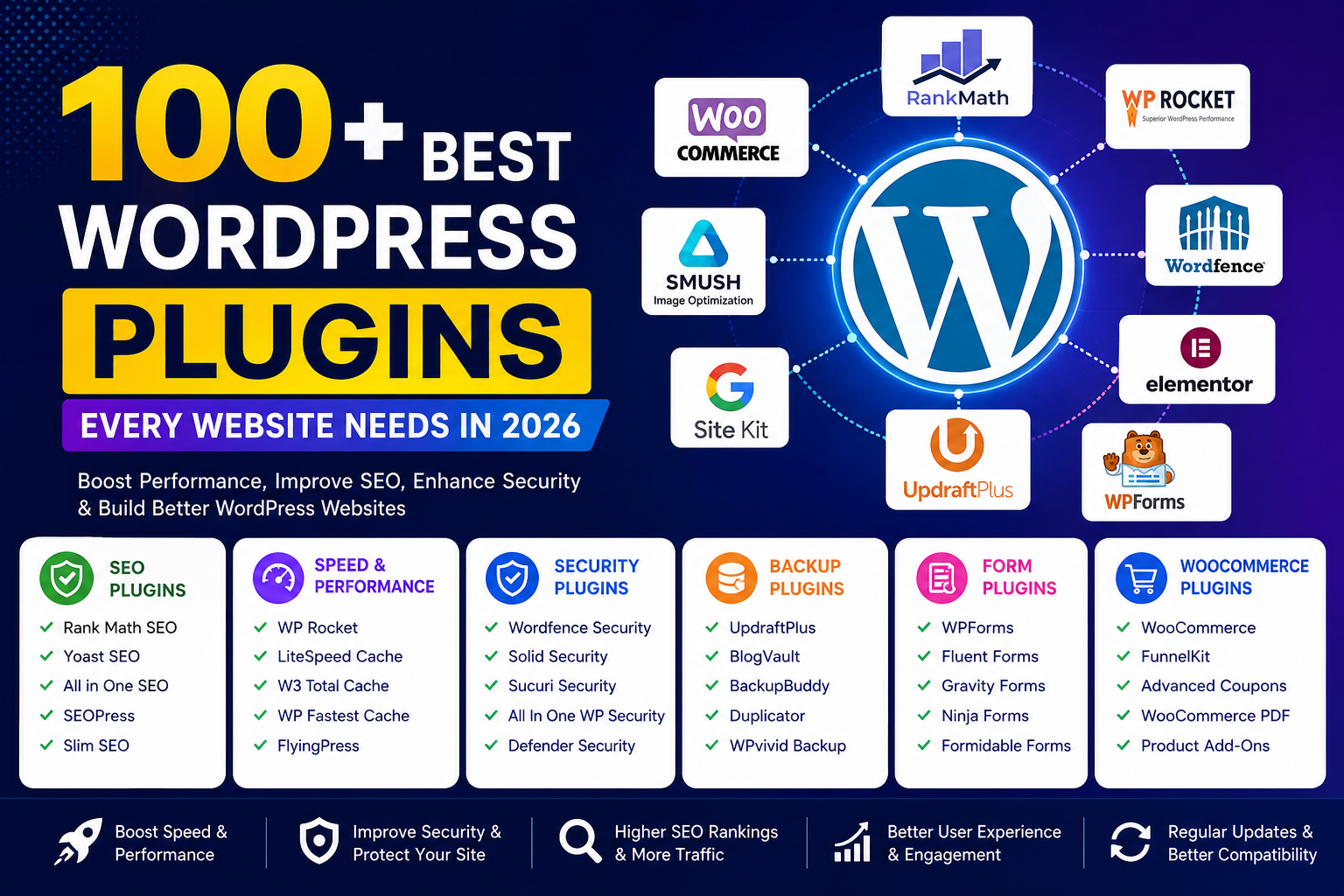
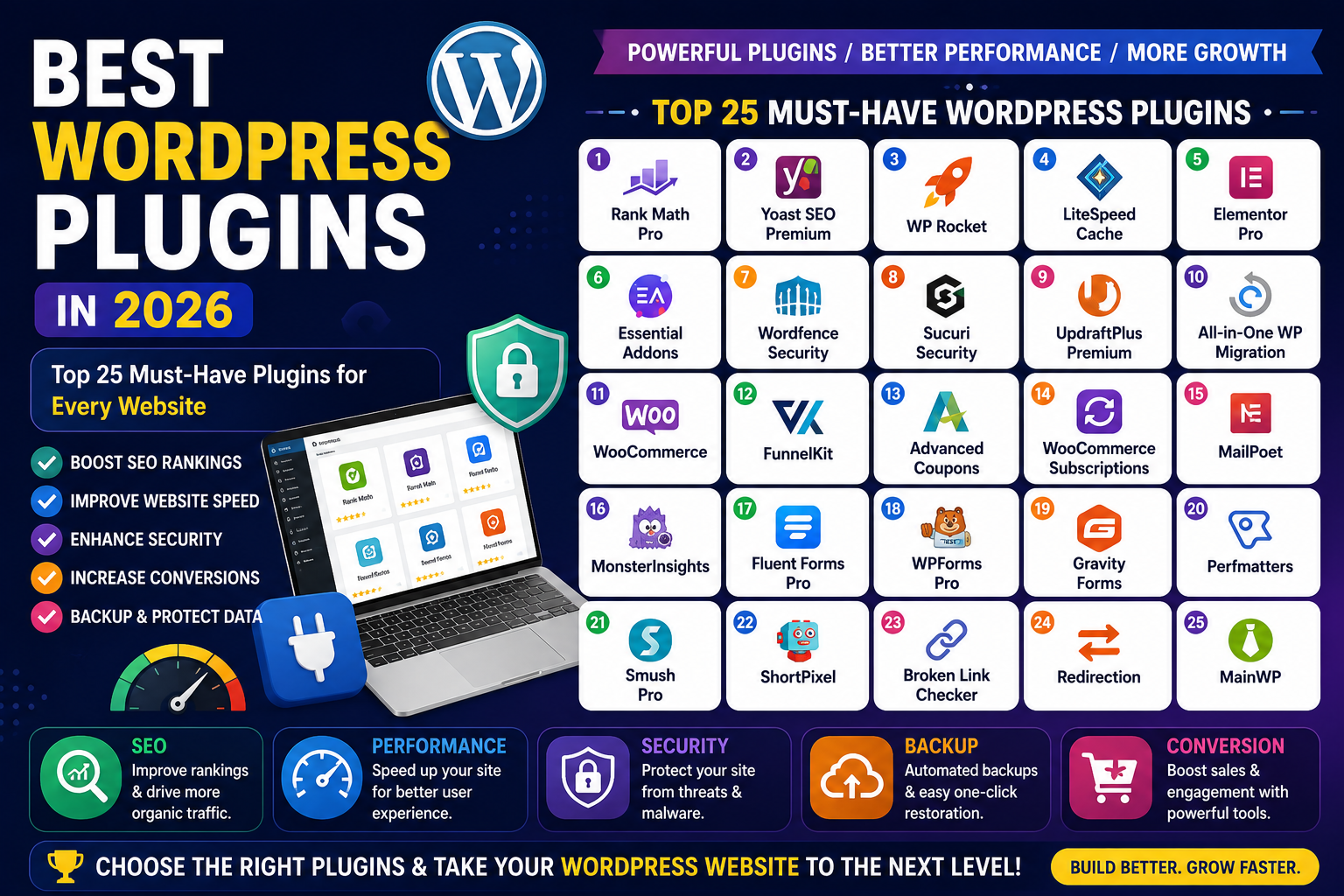
Blogging with WordPress, Business WordPress themes, GPL WordPress Theme, gplthemeplugin, Seo theme, Website Templates
Must-Have WordPress Plugins for New Websites 2026

Must-Have WordPress Plugins for New Websites
a new WordPress site in 2026 is exciting—but also a little overwhelming. With thousands of plugins available, knowing which WordPress plugins for a new site actually matter can feel tricky. Don’t worry, though. This guide walks you through the must-have plugins for new WordPress websites, focusing on performance, SEO, security, and growth.
Why Plugins Are Essential for New WordPress Websites
Plugins are the backbone of WordPress functionality. Out of the box, WordPress is powerful, but plugins unlock its full potential. Must-Have WordPress Plugins for New Websites. They allow you to add features like SEO optimization, faster loading times, backups, and security—without writing a single line of code.
For new websites, plugins help you:
- Improve search engine visibility
- Speed up your website
- Protect against cyber threats
- Enhance user experience
- Collect data and grow traffic
In short, plugins turn a basic WordPress installation into a professional, scalable website.
How to Choose the Best WordPress Plugins in 2026
Not all plugins are created equal. Before installing anything, keep these best practices in mind:
- Check compatibility with the latest WordPress version
- Read reviews and ratings from real users
- Choose actively maintained plugins
- Avoid plugin overload to maintain speed
- Look for reputable developers
Choosing wisely ensures your site remains secure, fast, and future-proof.

Essential SEO Plugins for WordPress Beginners
Search engine optimization is non-negotiable. These WordPress plugins for SEO and speed help your site rank higher and attract organic traffic.
Yoast SEO
Yoast SEO remains a gold standard in 2026. It’s beginner-friendly and packed with features that simplify on-page SEO.
Key features:
- Real-time content analysis
- XML sitemaps
- Meta title and description control
- Readability checks
Yoast helps ensure your content meets SEO best practices without feeling technical.
Rank Math SEO
Rank Math is a powerful alternative that’s gaining traction fast.
Why beginners love it:
- Clean interface
- Built-in schema markup
- Keyword tracking
- Lightweight performance
Both tools are excellent, but Rank Math often feels more modern and flexible.
WordPress Plugins for Speed and Performance
Speed matters. In fact, slow sites lose visitors—and rankings. Must-Have WordPress Plugins for New Websites .These plugins are essential for performance optimization.
WP Rocket
WP Rocket is a premium plugin, but it’s worth every penny.
Benefits include:
- Page caching
- GZIP compression
- Lazy loading images
- Database optimization
It works right out of the box, making it ideal for beginners.
LiteSpeed Cache
If your host supports LiteSpeed, this plugin is a powerhouse.
Highlights:
- Server-level caching
- Image optimization
- CDN integration
- Minification tools
Fast sites lead to better user experiences and higher conversions.
Security Plugins Needed for WordPress Websites
Cybersecurity threats are increasing every year. Protecting your site from day one is crucial.
Wordfence Security
Wordfence offers robust protection with an easy setup.
Key protections:
- Firewall
- Malware scanning
- Login security
- Real-time threat defense
It’s a must-have plugin for any new WordPress website.
Sucuri Security
Sucuri focuses on monitoring and prevention.
Why it stands out:
- Security activity auditing
- Malware detection
- Website firewall (premium)
Pairing security with backups gives you peace of mind.
Backup Plugins for New WordPress Sites
Backups are your safety net. If anything goes wrong, you’ll be glad you planned ahead.
UpdraftPlus
UpdraftPlus is one of the most trusted backup plugins available.
Features include:
- Scheduled backups
- Cloud storage integration (Google Drive, Dropbox)
- Easy restoration
This plugin is essential for protecting your hard work.
Essential Plugins for Design and Page Building
Design matters—even for beginners. Page builders help you create professional layouts without coding.
Elementor
Elementor remains the top choice in 2026.
Why it’s so popular:
- Drag-and-drop interface
- Responsive design controls
- Hundreds of templates
Elementor lets you design beautiful pages quickly and easily.Must-Have WordPress Plugins for New Websites .
Analytics and Tracking Plugins
You can’t improve what you don’t measure.
MonsterInsights
MonsterInsights connects Google Analytics to WordPress seamlessly.
What you’ll track:
- Visitor behavior
- Traffic sources
- Top-performing pages
It translates complex data into actionable insights.
Email Marketing and Lead Generation Plugins
Must-Have WordPress Plugins for New Websites. Building an email list is one of the smartest growth strategies.
WPForms
WPForms makes form creation simple.
Use it for:
- Contact forms
- Newsletter signups
- Surveys
1. How many WordPress plugins should a new site have?
Most new sites do well with 10–15 high-quality plugins. Quality matters more than quantity.
2. Are free plugins safe to use?
Yes, if they’re reputable, updated regularly, and downloaded from the official WordPress repository.
3. Do plugins slow down WordPress?
Poorly coded plugins can. That’s why performance plugins are essential.
4. What are the best WordPress plugins for beginners?
Yoast SEO, Elementor, WPForms, UpdraftPlus, and Wordfence are great starting points.
5. Can I change plugins later?
Absolutely. Just deactivate and replace them carefully.