gplthemeplugin, GPL WordPress Theme, PluginTheme, Seo Gpl theme, Seo theme, Seo theme and plugin, Source Code, THEME, Website Templates, WooCommerce Themes & Plugins
Best WordPress Security Plugins for Protection in 2026

Best WordPress Security Plugins for Protection in 2026
WordPress website in 2026 is more important than ever. Hackers target vulnerabilities in themes, plugins, and login systems, and an insecure site can lead to data loss, malware infections, or even a complete takeover. The right WordPress security plugins help protect your site from threats, block malicious traffic, and notify you about potential issues — even if you’re a beginner.
Why WordPress Security Matters
WordPress itself is secure when kept updated, but vulnerabilities often come from outdated plugins, weak passwords, or unprotected login pages. Using a dedicated security plugin gives your site:
- Firewall protection
- Malware scanning and cleanup
- Login hardening (e.g., Two-Factor Authentication)
- Activity logging and alerts
- Brute-force attack prevention
In short: security plugins act as your first line of defense against online threats.
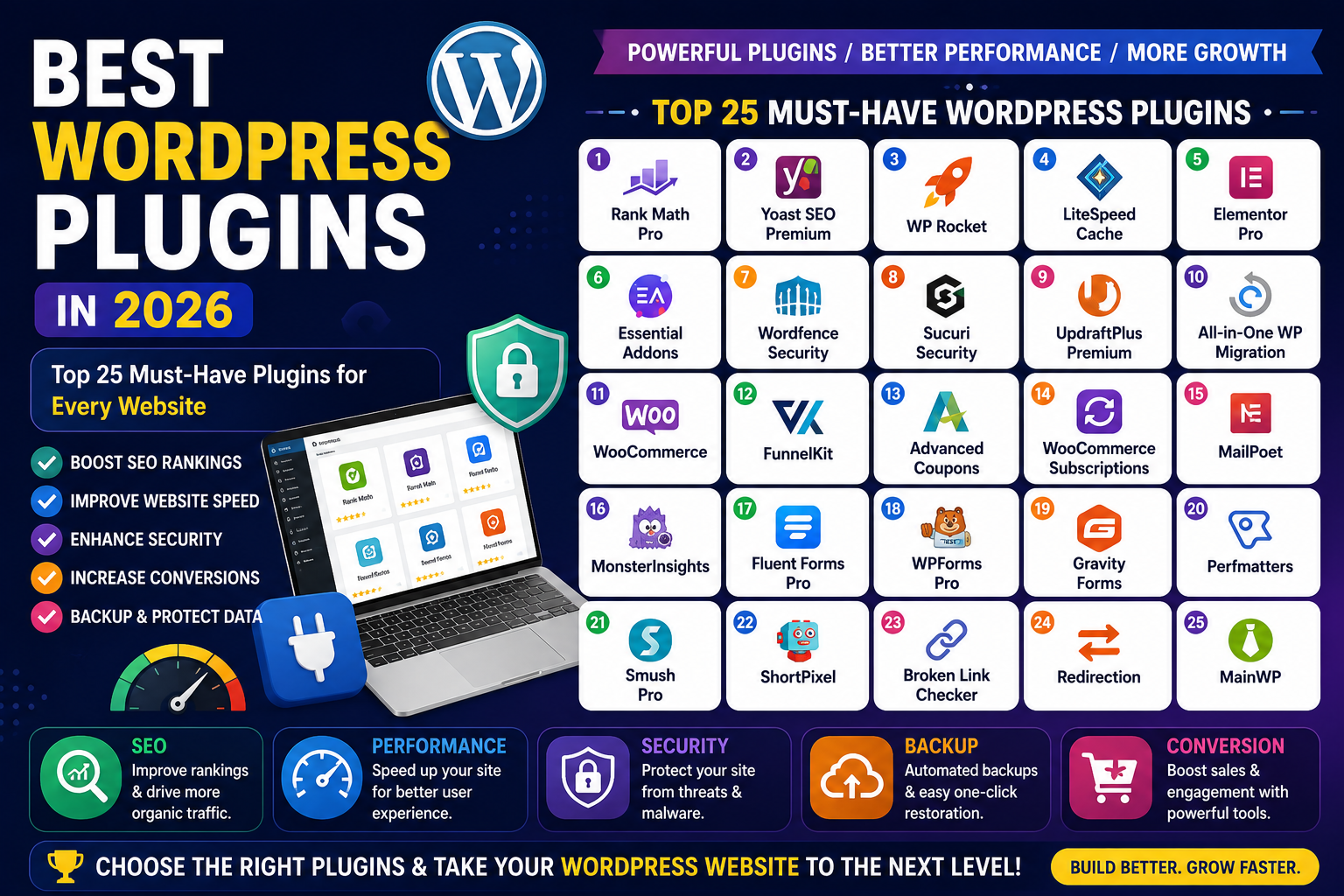
Best WordPress Security Plugins in 2026
Here are the top solutions trusted by experts and site owners alike:
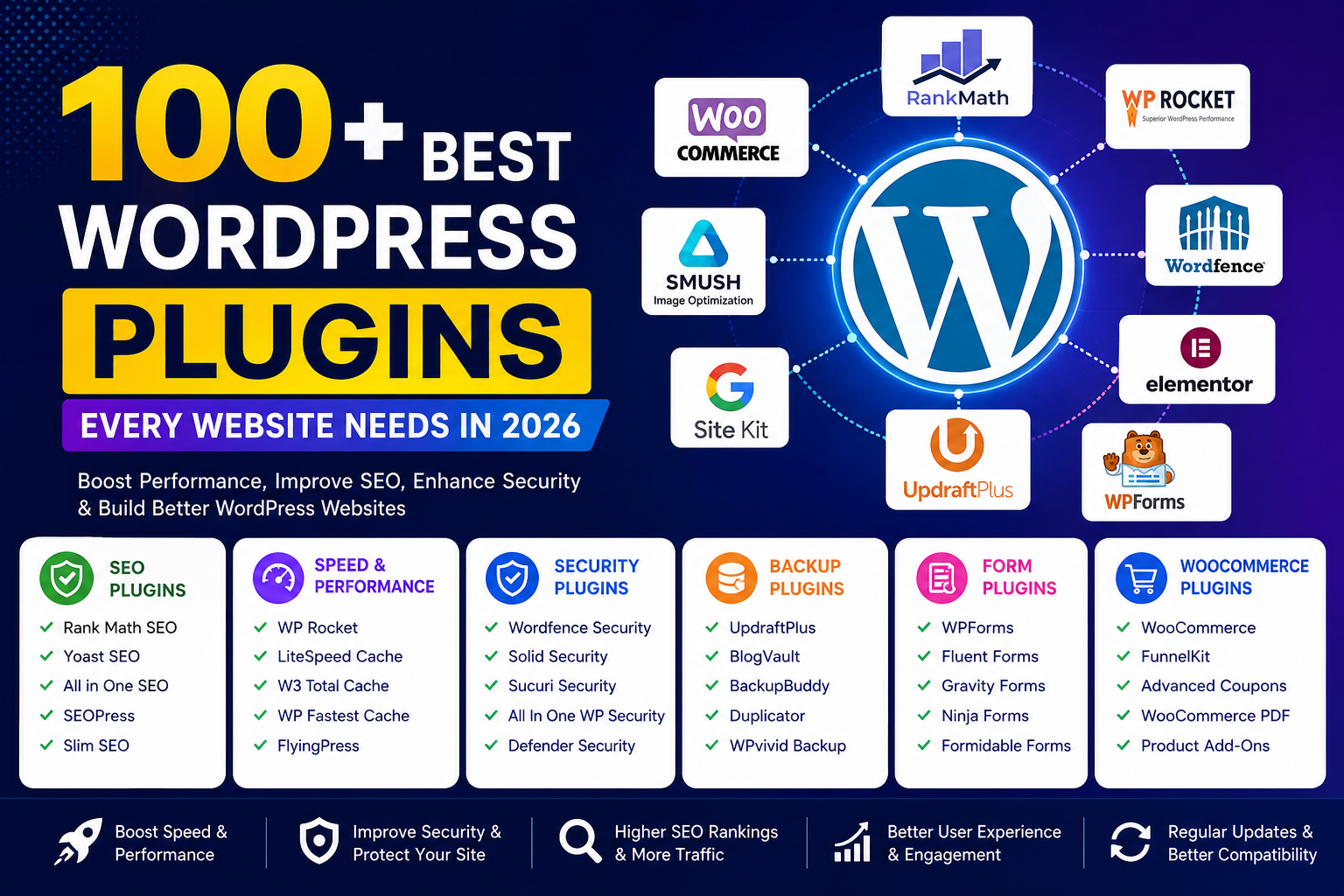
1. Wordfence Security
Wordfence is one of the most popular all-in-one security plugins for WordPress. It offers:
- Firewall protection
- Malware scanning
- Real-time threat intelligence
- Two-factor authentication (2FA)
- Live traffic monitoring
It has both free and premium versions — the premium option adds more frequent scans and real-time IP blocking.
2. MalCare Security
MalCare is known for its powerful malware scanning and cleanup tools.
Key features:
- Deep malware scanning
- One-click malware removal
- Cloud-based scanning (less load on your server)
- Built-in firewall
MalCare’s pro plans include automatic daily scans and advanced protection.
3. Sucuri Security
Sucuri is a widely respected security plugin with enterprise-grade features:
- Website firewall (WAF)
- Malware scanning
- Blacklist monitoring
- Security notifications and activity auditing
Premium plans offer malware cleanup and dedicated protection by Sucuri experts.
4. Jetpack Security
Jetpack is an all-in-one plugin from Automattic (the team behind WordPress). Its security features include:
- Brute-force attack protection
- Downtime monitoring
- Malware scanning
- Daily backups (premium)
It’s a good choice for beginners who want security and backup in one package.
5. All In One WP Security & Firewall (AIOS)
A powerful free option with layered protection and an intuitive interface.
Features include:
- Firewall rules
- Login lockdown
- File and database protection
- Security strength meter
It’s especially beginner-friendly and doesn’t require advanced setup.
6. Defender Security
Defender (by WPMU DEV) offers essential protection with easy setup:
- Malware scanning
- Brute-force login protection
- Two-factor authentication
- IP blacklists
It has a beginner-friendly walkthrough and also includes scheduled scans.
How to Secure Your WordPress Website (Beginner Tips)
Installing a security plugin is just one part of protecting your site. For better security:
Use Strong Admin Credentials
Use long, unique passwords and avoid “admin” as your username.
Enable Two-Factor Authentication (2FA)
2FA adds a second verification step at login.
Keep WordPress Up to Date
Always update WordPress core, themes, and plugins.
Limit Login Attempts
Tools for limiting login attempts help prevent brute-force attacks.
Backup Regularly
Use a backup plugin or hosting-provided backups to restore your site if needed.
1. Do I really need a WordPress security plugin?
Yes — security plugins protect against common attacks that hosting alone may not catch.
2. Are free security plugins good enough?
Many free options (like AIOS and Wordfence free) offer solid basic protection. Premium plans add more advanced features.
3. Can security plugins slow down my site?
Well-coded security plugins are optimized to avoid performance issues. Combine them with good hosting for best results.
4. What’s the best plugin for malware protection?
Sucuri and MalCare are top choices for deep malware scanning and cleanup.
5. Can I use multiple security plugins simultaneously?
Be cautious — overlapping firewall or scanning features can conflict. Choose one main security solution.
6.How do I fix my site if it’s hacked?
Many premium plugins include cleanup services, or you might need professional help depending on the severity