
100+ Best WordPress Plugins Every Website Needs in 2026

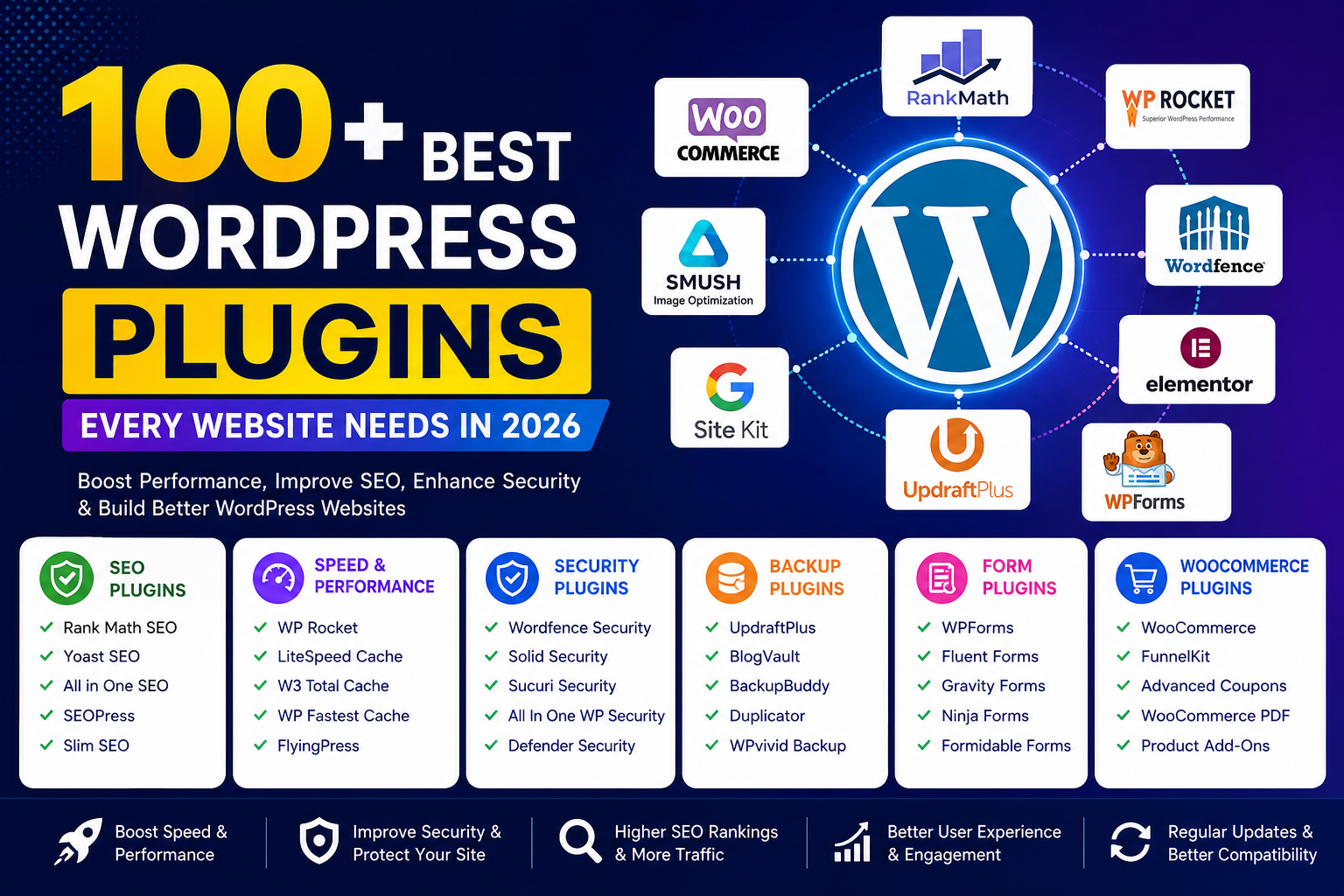
100+ Best WordPress Plugins Every Website Needs in 2026 (Ultimate Guide)
Meta Title: 100+ Best WordPress Plugins Every Website Needs in 2026
Meta Description: Discover the 100+ best WordPress plugins for SEO, security, speed, WooCommerce, backups, forms, and more. Find the essential plugins every website needs in 2026.
100+ Best WordPress Plugins Every Website Needs in 2026
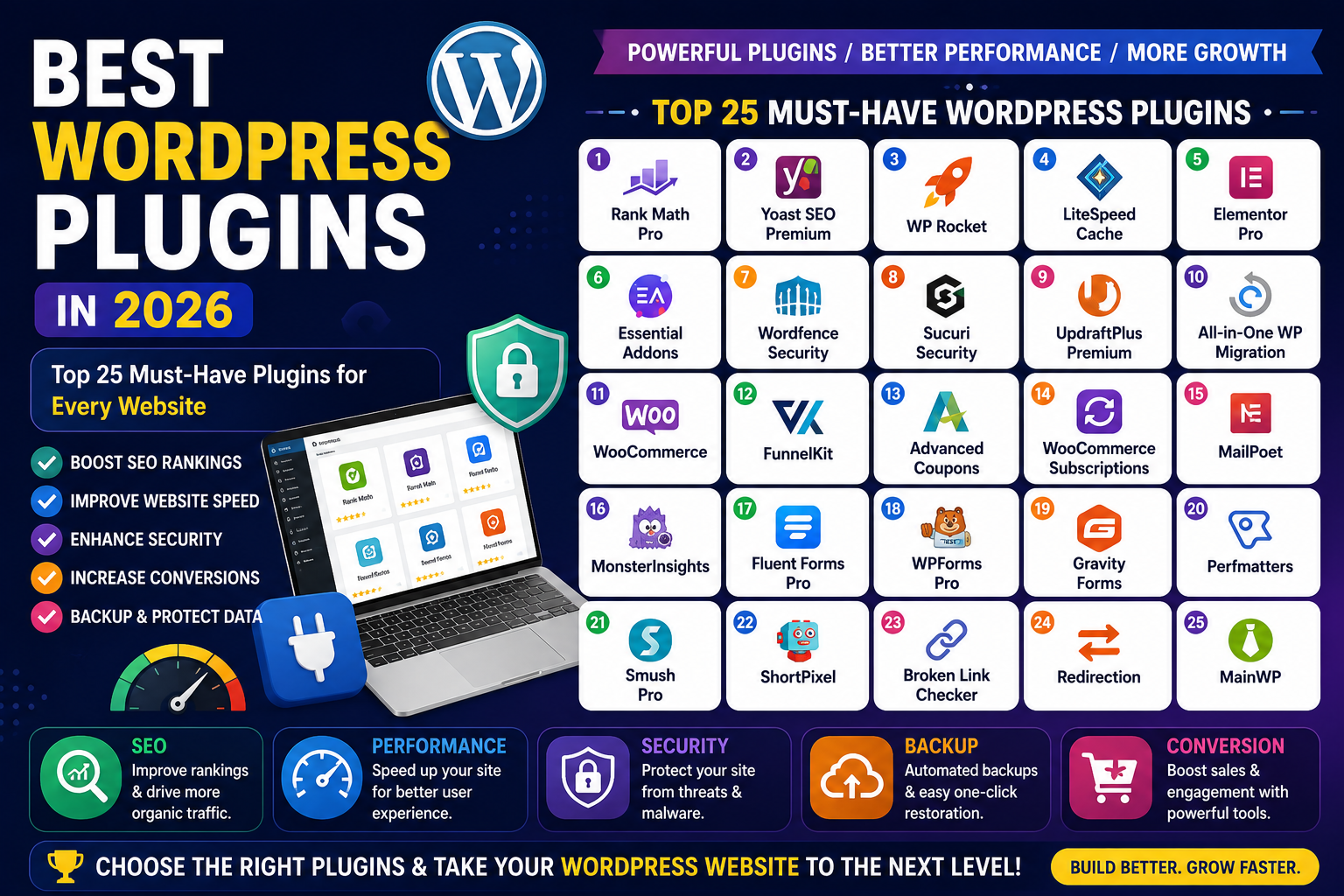
WordPress powers millions of websites worldwide, but the real strength of the platform comes from its plugins. Whether you run a blog, business website, WooCommerce store, portfolio, or membership site, the right plugins can improve performance, security, SEO, and user experience.
This guide covers over 100 of the best WordPress plugins for 2026, organized by category to help you build a fast, secure, and feature-rich website.
Why Use best WordPress Plugins?
WordPress plugins allow you to:
- Improve SEO rankings.
- Speed up your website.
- Protect against hackers and malware.
- Create contact forms.
- Build online stores.
- Optimize images.
- Add backups and recovery options.
- Improve user engagement.
Best SEO Plugins
1. Yoast SEO
A popular SEO plugin that helps optimize content and improve search engine rankings.
2. Rank Math SEO
Offers advanced SEO features including schema markup and AI assistance.
3. All in One SEO
Perfect for beginners and businesses.
4. SEOPress
A lightweight SEO plugin with powerful features.
5. Slim SEO
Minimal setup with automatic optimization.
Best Cache and Speed Plugins
6. WP Rocket
Premium caching plugin for improving Core Web Vitals.
7. LiteSpeed Cache
Excellent for LiteSpeed servers.
8. W3 Total Cache
Advanced caching for experienced users.
9. WP Fastest Cache
Easy setup and good performance.
10. FlyingPress
Modern optimization plugin for speed enthusiasts.
Best Security Plugins
11. Wordfence Security
Firewall and malware scanning.
12. Solid Security
Formerly iThemes Security.
13. Sucuri Security
Website monitoring and malware protection.
14. All In One WP Security
Free and beginner-friendly.
15. Defender Security
Security scanning and login protection.
Best Backup Plugins
16. UpdraftPlus
Automatic cloud backups.
17. BlogVault
Reliable offsite backups.
18. BackupBuddy
Easy migration and backup.
19. Duplicator
Site cloning and migration.
20. WPvivid Backup
Backup and staging features.
Best Form Plugins
21. WPForms
Drag-and-drop form builder.
22. Fluent Forms
Fast and feature-rich.
23. Gravity Forms
Professional-grade forms.
24. Ninja Forms
Flexible form creation.
25. Formidable Forms
Advanced calculations and forms.
Best WooCommerce Plugins
26. WooCommerce
The leading eCommerce platform.
27. FunnelKit
Sales funnels and checkout optimization.
28. WooCommerce PDF Invoices
Automatic invoice generation.
29. Advanced Coupons
Create powerful coupon campaigns.
30. Product Add-Ons
Custom product options.
Best Page Builder Plugins
31. Elementor
Popular drag-and-drop builder.
32. Spectra
Blocks for Gutenberg.
33. Beaver Builder
Stable and developer-friendly.
34. Bricks Builder
Fast and modern.
35. Oxygen Builder
Advanced visual builder.
Best Image Optimization Plugins
36. Smush
Compress images automatically.
37. ShortPixel
Excellent image optimization.
38. Imagify
Convert images to WebP.
39. Optimole
Cloud-based image optimization.
40. EWWW Image Optimizer
Unlimited image compression.
Best Contact and Marketing Plugins
- MailPoet
- FluentCRM
- HubSpot
- Brevo
- OptinMonster
Best Membership Plugins
- MemberPress
- Paid Memberships Pro
- Restrict Content Pro
- Ultimate Member
- SureMembers
Best LMS Plugins
- LearnDash
- Tutor LMS
- LifterLMS
- LearnPress
- MasterStudy LMS
Best Multilingual Plugins
- WPML
- TranslatePress
- Polylang
- Weglot
- MultilingualPress
Best Performance Plugins
- Perfmatters
- Asset CleanUp
- Query Monitor
- Heartbeat Control
- Debloat
Best Social Sharing Plugins
- Social Snap
- Shared Counts
- AddToAny
- Novashare
- Monarch
Best Spam Protection Plugins
- Akismet
- Antispam Bee
- CleanTalk
- Titan Anti-Spam
- WP Armour
Best Analytics Plugins
- MonsterInsights
- Site Kit
- Independent Analytics
- ExactMetrics
- Analytify
Best Schema Plugins
- Schema Pro
- WP Schema
- Rank Math Schema
- Review Schema
- Structured Content
Best Migration Plugins
- All-in-One WP Migration
- Duplicator
- Migrate Guru
- WPvivid
- Backup Migration
Best Utility Plugins
- Redirection
- Code Snippets
- WP Mail SMTP
- File Manager
- Better Search Replace
- Advanced Custom Fields
- TablePress
- Safe SVG
- Broken Link Checker
- Classic Editor
- Classic Widgets
- WP Activity Log
- User Role Editor
- Advanced Database Cleaner
- Admin Columns
How to Choose the Right best WordPress Plugins
Before installing any plugin, consider:
- Regular updates.
- Good user ratings.
- Compatibility with your WordPress version.
- Active support.
- Performance impact.
- Security history.
Avoid installing too many plugins, as unnecessary plugins can slow down your website.
Final Thoughts
The best WordPress plugins for 2026 depend on your website’s goals. For most websites, a balanced stack includes:
- Rank Math SEO
- WP Rocket
- Wordfence Security
- UpdraftPlus
- WPForms
- Elementor
- WooCommerce (for stores)
- Perfmatters
- WP Mail SMTP
- Advanced Custom Fields
By choosing high-quality plugins and keeping them updated, you can build a secure, fast, and SEO-friendly WordPress website that delivers an excellent user experience.
FAQ
Which is the best SEO plugin for WordPress?
Rank Math and Yoast SEO are among the most popular choices.
How many plugins should a WordPress site have?
There is no fixed limit. Use only well-coded plugins that provide necessary functionality.
Can too many plugins slow down WordPress?
Yes, poorly coded or unnecessary plugins can affect performance.
What are the must-have WordPress plugins?
SEO, security, backup, caching, contact forms, SMTP, image optimization, and analytics plugins are essential for most websites.