How to increase WordPress Website speed in 2026

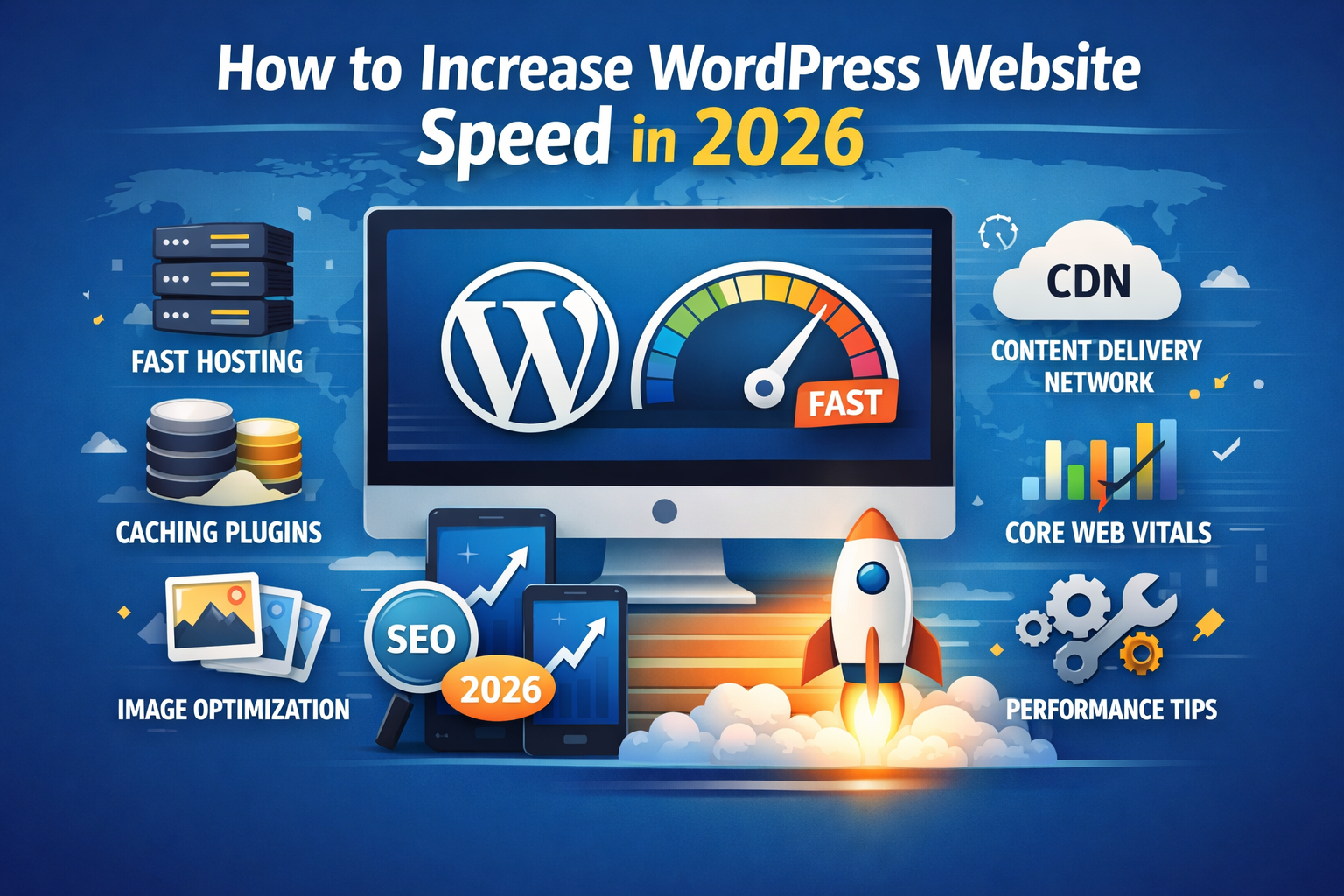
Website speed is no longer just a technical detail—it’s a core ranking factor, a conversion driver, and a key part of user experience. In 2026, Google’s Core Web Vitals, mobile-first indexing, and AI-driven search results make to increase WordPress Website speed in 2026 optimization more important than ever. In this complete guide, you’ll learn how to increase the speed of a WordPress website in 2026 using modern, proven techniques that actually work.
Why increase WordPress Website Speed Matters in 2026
A slow WordPress website can:
- Increase bounce rate
- Reduce SEO rankings
- Lower conversions and ad revenue
- Hurt Core Web Vitals scores
Google now prioritizes fast, stable, and responsive websites. If your site loads slowly, users leave—and search engines notice.
Step 1: Choose Fast & Reliable WordPress Hosting
Hosting is the foundation of WordPress speed optimization. In 2026, shared hosting is no longer enough for serious websites.
Best hosting types for speed:
- Managed WordPress Hosting
- Cloud Hosting (LiteSpeed, NGINX)
- VPS for high-traffic websites
Look for:
- NVMe SSD storage
- Latest PHP version
- Built-in server-side caching
Step 2: Use a Lightweight & Optimized WordPress Theme
Heavy themes slow down your site before content even loads.
Tips:
- Avoid multipurpose themes with unused features
- Choose performance-focused themes
- Remove unused demo content
Lightweight themes help improve loading speed and Core Web Vitals automatically.
Step 3: Install a Powerful Caching Plugin
Caching reduces server load and speeds up page delivery.
Best WordPress caching plugins in 2026:
- WP Rocket
- LiteSpeed Cache
- WP Fastest Cache
- W3 Total Cache
Enable:
- Page caching
- Browser caching
- GZIP or Brotli compression
Step 4: Optimize Images for Faster Loading
Images are often the #1 reason for slow WordPress websites.
Image optimization tips:
- Compress images before upload
- Use WebP or AVIF formats
- Enable lazy loading
Popular image optimization plugins:
- ShortPixel
- Smush
- Imagify
Step 5: Use a CDN (Content Delivery Network)
A CDN serves your website content from the nearest server to users.
Benefits of CDN:
- Faster global loading
- Reduced server stress
- Better Core Web Vitals
Popular CDN options include Cloudflare and Bunny.net.
Step 6: Minify CSS, JavaScript & HTML
Unused code increases load time.
Minification helps by:
- Reducing file size
- Removing unused CSS
- Delaying JavaScript execution
Most caching plugins handle this automatically.
Step 7: Reduce WordPress Plugins & Database Load
Too many plugins = slower site.
Best practices:
- Remove unused plugins
- Replace multiple plugins with one
- Clean database regularly
Use database optimization tools to remove revisions, spam comments, and transients.
Step 8: Enable Core Web Vitals Optimization
Core Web Vitals are critical ranking signals in 2026.
Focus on:
- LCP (Largest Contentful Paint)
- CLS (Cumulative Layout Shift)
- INP (Interaction to Next Paint)
Optimize fonts, preload key resources, and avoid layout shifts.
Step 9: Keep WordPress Updated
Outdated WordPress core, themes, or plugins can slow down performance and cause security issues.
Always:
- Update WordPress core
- Update themes and plugins
- Use the latest PHP version
Tools to Test WordPress Speed
Use these tools to measure performance:
- Google PageSpeed Insights
- GTmetrix
- Pingdom Tools
- Lighthouse
Test before and after optimization to see real improvements.
Common WordPress Speed Mistakes to Avoid
- Cheap shared hosting
- Heavy page builders
- Unoptimized images
- Too many ads & scripts
- Ignoring mobile performance
Learning how to increase WordPress Website speed in 2026 is essential for SEO success, better rankings, and higher conversions. With fast hosting, caching, image optimization, CDN, and Core Web Vitals improvements, you can make your WordPress website lightning-fast.
Start implementing these steps today, test your performance, and stay ahead in search rankings.