Blogging with WordPress, Business WordPress themes, Seo Gpl theme, Seo theme and plugin, Source Code, WP Gpl theme, WP MEMBERSHIPS, WP PLUGIN
Best WordPress Plugins to Improve Website Speed (2026)


Best WordPress Plugins to Improve Website Speed
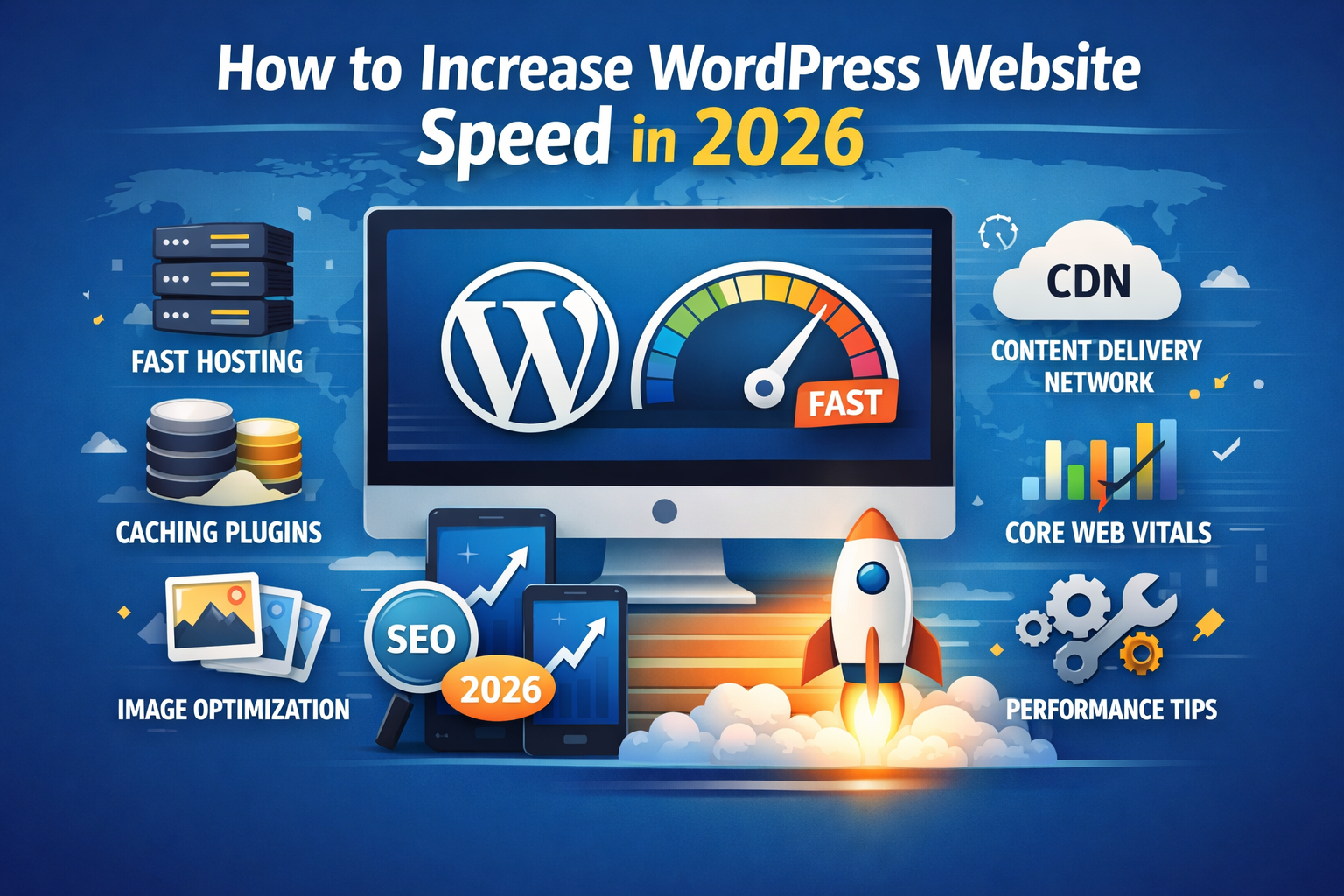
Website speed plays a crucial role in user experience, search engine ranking, and conversions. In 2026, optimizing WordPress speed goes beyond picking a fast theme—high performance relies on a combination of tools and best practices. Whether you want to improve Core Web Vitals, reduce load times, or boost performance scores, using the right WordPress performance plugins will make a big difference.
Why Website Speed Matters in 2026
Fast websites keep visitors engaged. Studies show that even a 1-second delay in page load time can reduce conversions and increase bounce rates. Today, Google’s emphasis on Core Web Vitals means that how to speed up a WordPress website is not just optional — it’s essential for SEO and user satisfaction.
Speed impacts:
- Search engine rankings
- User engagement
- Conversion rates
- Bounce rates
With the right plugins, you can improve performance with minimal technical effort.
How WordPress Speed Affects Core Web Vitals
Core Web Vitals — including Largest Contentful Paint (LCP), First Input Delay (FID), and Cumulative Layout Shift (CLS) — are metrics Google uses to measure user experience. Slow WordPress websites can struggle with these metrics, hurting SEO performance.
Optimizing speed helps:
- Improve LCP by reducing rendering time
- Lower FID with efficient script loading
- Reduce CLS with optimized images and layout stability
Many WordPress plugins to improve Core Web Vitals address these factors directly.
Key Factors That Slow Down WordPress Websites
Common speed issues include:
- Unoptimized images
- No caching
- Bloated CSS/JS files
- Slow hosting
- No content delivery network (CDN)
- Excessive database overhead
The right plugins help tackle these challenges without manual coding.
Top WordPress Cache Plugins for Faster Websites
Caching is one of the most effective ways to improve WordPress speed. Cache plugins store static versions of your pages, reducing server load and speeding up delivery.
WP Rocket
WP Rocket consistently ranks as one of the fastest WordPress cache plugins available.
Key features:
- Page caching
- Browser caching
- GZIP compression
- Database cleanup
- Lazy loading support
It’s user-friendly and works well for beginners.
LiteSpeed Cache
If your server uses LiteSpeed, this plugin delivers powerful caching solutions.
Benefits include:
- Server-level caching
- Image optimization
- CSS/JS minification
- CDN integration
It’s highly optimized for speed and performance.
W3 Total Cache
A widely used free cache plugin with extensive settings.
Highlights:
- Page and object caching
- Minification
- CDN support
- Fragment caching
Ideal for users who want more control.
Best Image Optimization Plugins to Improve WordPress Speed
Large images often slow down sites. These plugins help compress and optimize images without sacrificing quality.
Smush
Smush automatically compresses images as you upload them.
Features include:
- Bulk image compression
- Lazy loading integration
- WebP conversion
- Auto-resize on upload
Great choice for site owners with lots of media.
ShortPixel
ShortPixel is a powerful image optimization tool.
Key perks:
- Lossy and lossless compression
- WebP generation
- PDF optimization
- CDN support
Perfect for sites with heavy image usage.
Lazy Loading Plugins for Better Performance
Lazy loading delays image and video loading until they’re visible on the user’s screen — boosting initial load speed.
a3 Lazy Load
A simple but effective lazy loading plugin.
Works with:
- Images
- Videos
- Iframes
Ideal for media-rich sites.
Database Cleanup Plugins for WordPress
Over time, WordPress databases accumulate clutter, slowing down performance. Cleanup plugins help remove redundant data.
WP-Optimize
WP-Optimize is a comprehensive database cleanup tool.
Functions include:
- Database cleanup
- Image compression
- Page caching
- Scheduled optimization
Keeping your database lean improves site speed and efficiency.
CDN Integration Plugins to Boost Speed
Content Delivery Networks (CDNs) serve your content from servers closer to your visitors, reducing latency.
Cloudflare Plugin
Cloudflare’s plugin makes integrating its CDN and security features easy.
Benefits include:
- CDN delivery
- DDoS protection
- DNS optimization
- SSL support
Cloudflare enhances both speed and security.
Plugins for CSS, JS and HTML Optimization
Minifying CSS, JS, and HTML files reduces file size and improves loading times.
Autoptimize
Autoptimize helps optimize frontend code without technical hassle.
Features:
- CSS/JS minification
- HTML optimization
- Async script loading
- CDN support
This plugin is a staple for WordPress speed optimization.
Monitoring and Performance Testing Plugins
To truly understand site performance, monitoring tools are essential.
Query Monitor
Query Monitor helps diagnose performance bottlenecks.
Useful for:
- Identifying slow queries
- Debugging themes/plugins
- Monitoring PHP errors
It gives insight into what’s slowing your WordPress site.
Best Practices to Improve WordPress Speed
Aside from using plugins, follow these best practices:
- Choose a fast hosting provider
- Use a lightweight theme
- Enable lazy loading
- Compress images before upload
- Keep plugins and themes updated
- Use a CDN
- Regularly clean your database
Combining plugins with good practices leads to noticeable gains.